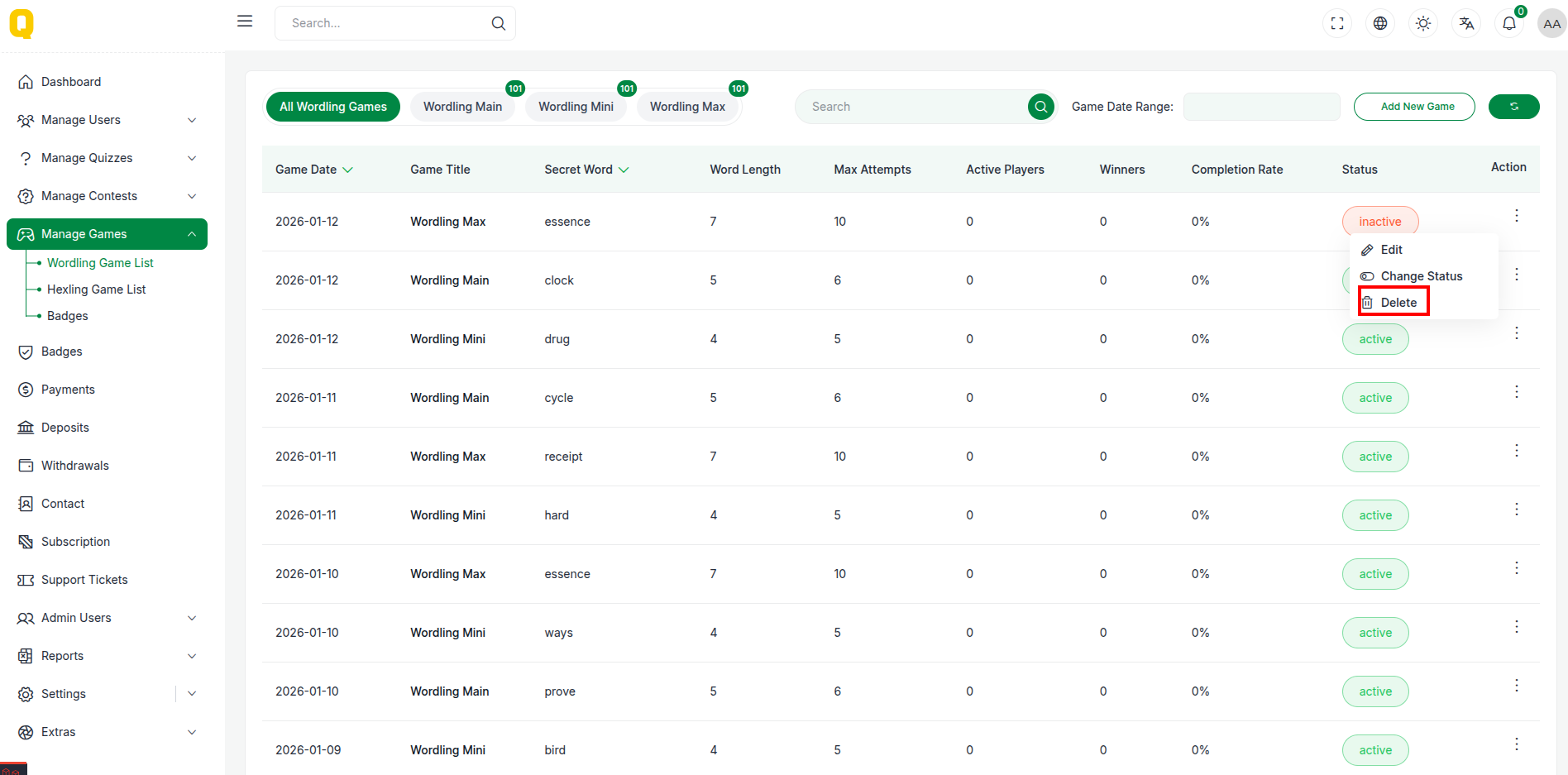
Manage Wordling
The Manage Wordling section allows administrators to manage the Wordling game words and settings. This module provides a way to add, update, and manage words for the game.
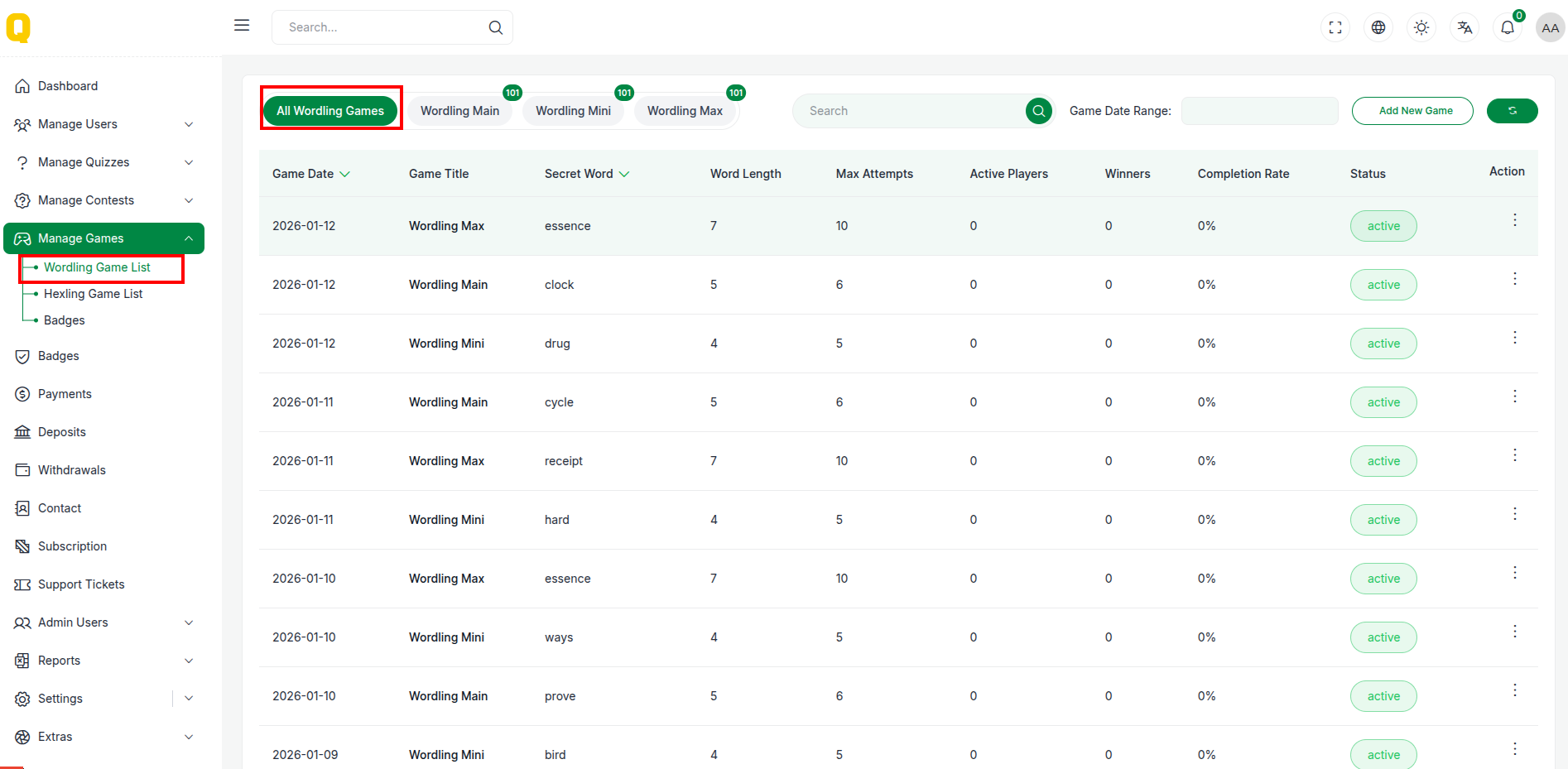
Wordling List
The Wordling list displays all the words currently in the system. It allows admins to view the status of each word and perform actions like editing or deleting.
📋 Table Structure
The table provides a clear overview of the words:
| Column | Description |
|---|---|
| Word | The word used in the game. |
| Status | Current status of the word (Active/Inactive). |
| Action | Options to edit or delete the word. |
Add New Wordling
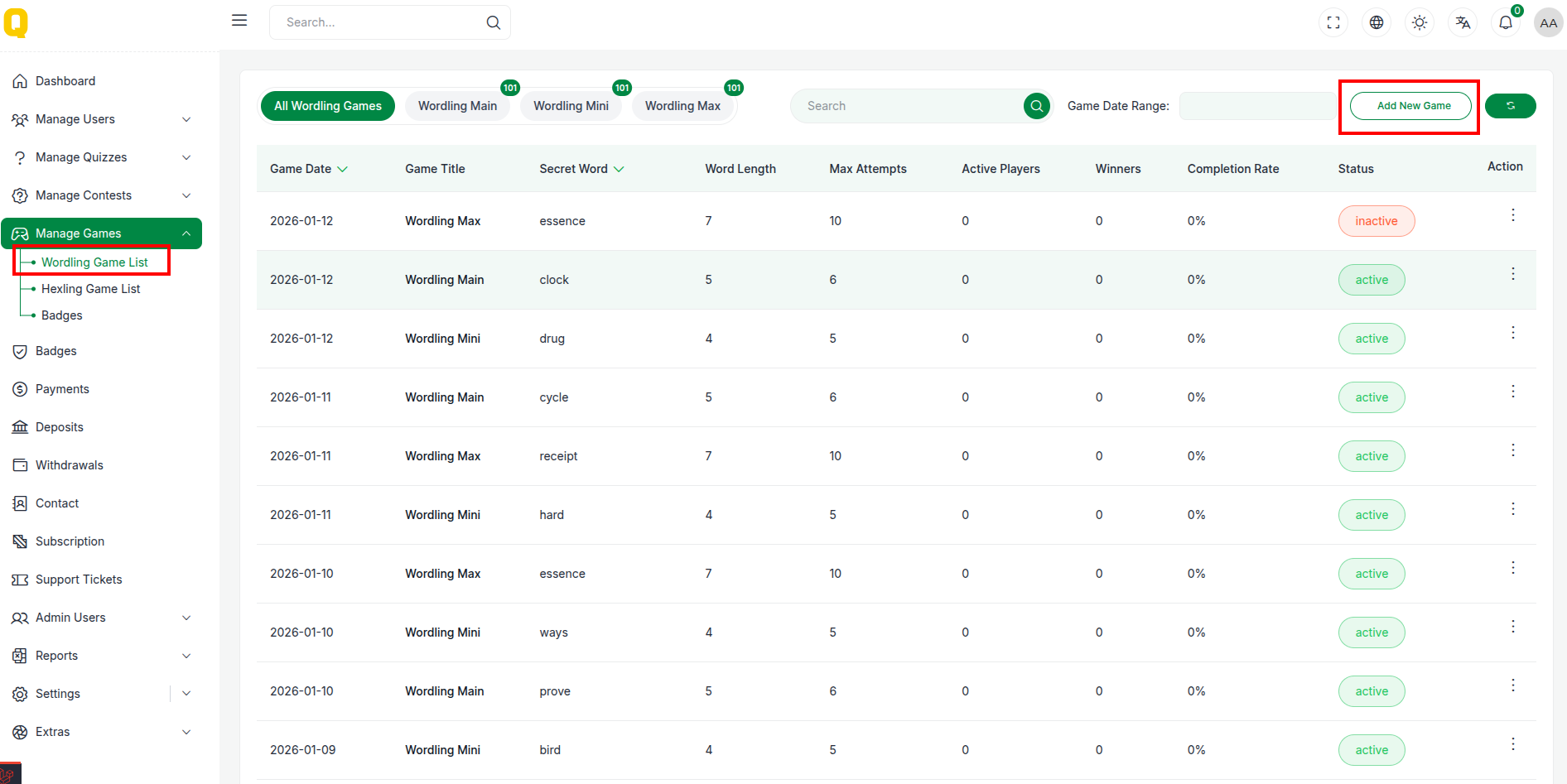
Admins can add new words to the game.
Accessing the Form
Click the "Add New" button to open the form for adding a new word.
📝 Form Fields
- Word: Enter the word for the game.
- Status: Set the status of the word (Active/Inactive).
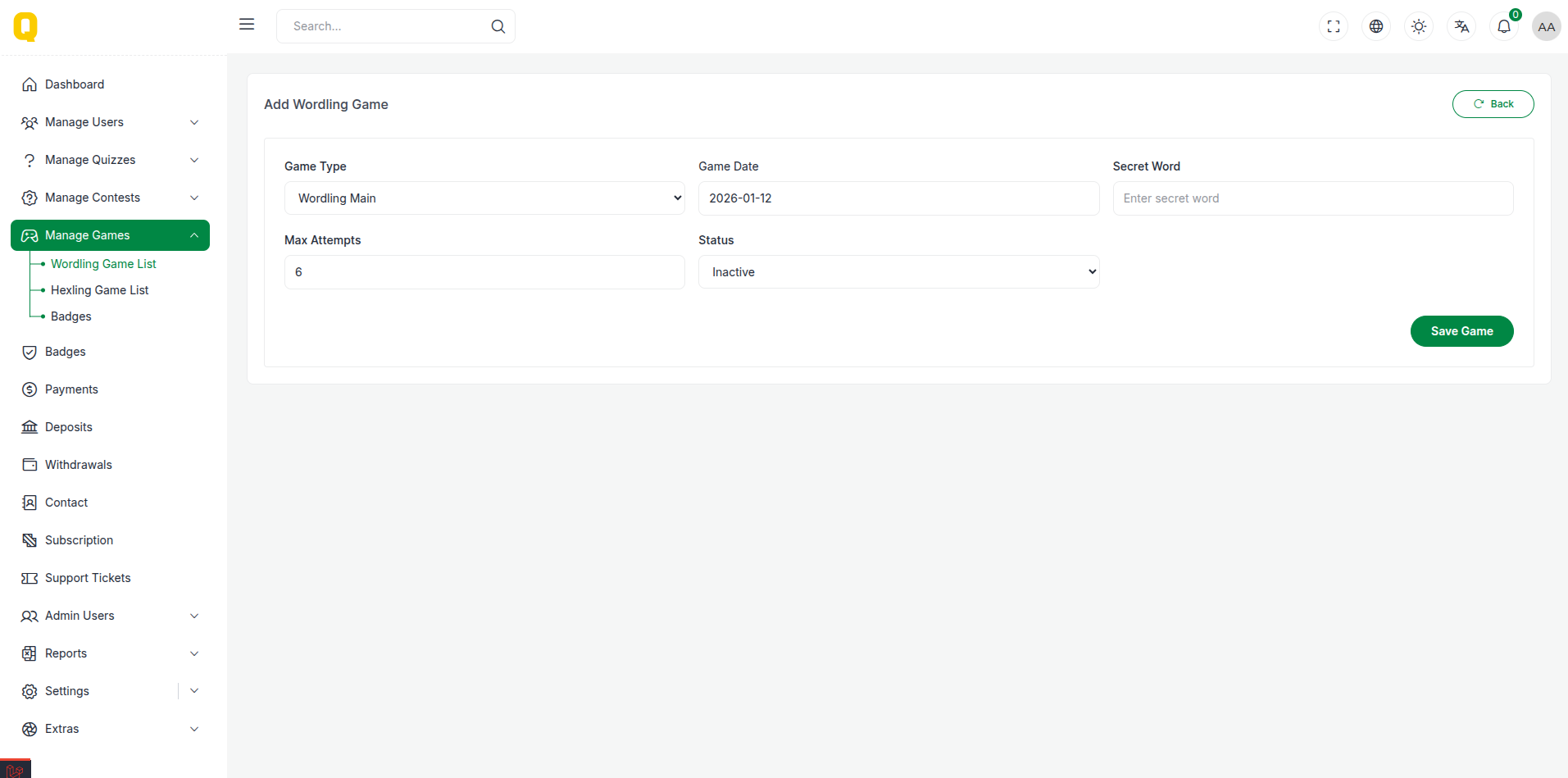
Actions
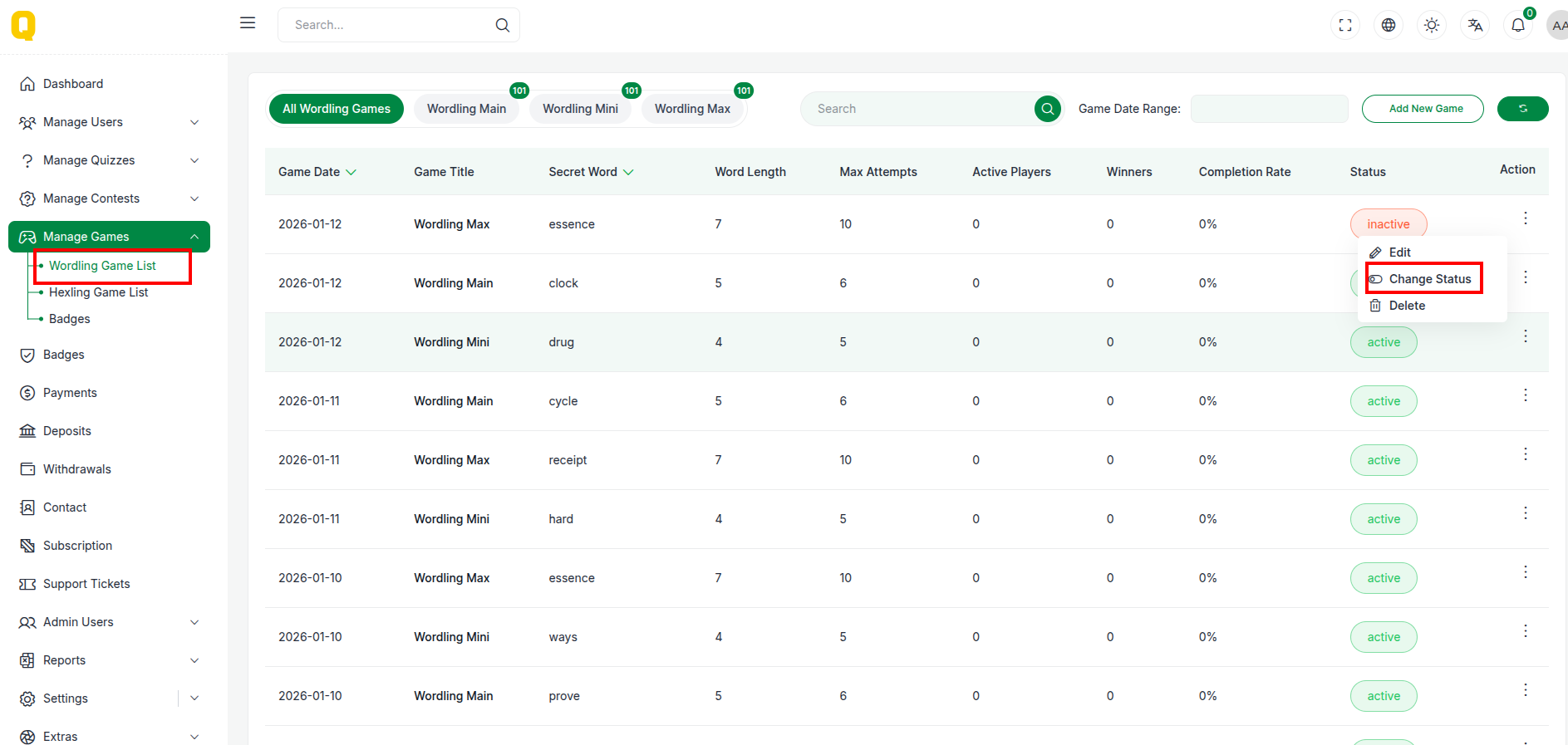
✅ Change Status
Toggle the status of a word to make it available or unavailable in the game.
🗑 Delete Word
Remove a word from the system. (Confirmation required)